INTRODUCTION
TAG & PLAY!
DOWNLOAD LINK
STARSHIP x NEMOZ
The platform album service only for STARSHIP's artists
Dive into the music world of your beloved artists with STARSHIP x NEMOZ!
USER GUIDE (NFC TYPE)
-
Step 1
Install
請下載 STARSHIP x NEMOZ APP。 -
Step 2
Sign Up
根據說明通過郵箱即可註冊。註冊後賬號自動登錄。 -
Step 3
Turn on the NFC function
登記專輯前,請打開手機NFC功能。
iPhone已自動開啟,不需要設置。
-
Step 4
Find your NFC device
请取出专辑内的NFC感應裝置(ID卡片,掛鏈等)。 -
Step 5
TAG
將STEP 4的NFC感應裝置貼在手機后方或摄像头附近。 -
Step 6
Activate
點擊確認登記專輯。 -
Step 7
Enjoy
在STARSHIP x NEMOZ內享受我喜歡的藝人的音樂吧!
USER GUIDE (QR TYPE)
-
Step 1
Install
請下載STARSHIP x NEMOZ APP。 -
Step 2
Sign Up
根據說明通過郵箱即可註冊。註冊後賬號自動登錄。 -
Step 3
Take Out the QR Card
请取出专辑内的QR卡。
-
Step 4
Scan
請點擊APP主頁上方的‘+’後選擇‘QR’,點擊‘QR’掃描QR卡上的二維碼。 -
Step 5
Activate
點擊確認登記專輯。 -
Step 6
Enjoy
在STARSHIP x NEMOZ內享受我喜歡的藝人的音樂吧!
FREQUENTLY ASKED QUESTIONS
APP
1. 沒有收到註冊認證郵件。未收到註冊認證郵件時,請確認垃圾郵件箱。
2. 無法登記專輯。
登記出現問題時,請通過1:1客服進行諮詢。
3. 登記成功了,專輯無法播放。
如果無法播放,請確認數據環境。第一次登錄時需要連接Wi-Fi或者移動數據。之後可以通過離線模式播放專輯。
4. 音樂播放的同時可以看圖片嗎?
點擊播放頁面內左上角的按鈕,即可進入Mood Player播放模式,播放音樂的同時可以欣賞高清美圖。
5. 一個帳號最多可以同時在兩個設備上登錄。每月可以更改一次其中一個登錄設備。
6. 需要隨時攜帶登記專輯的識別裝置(NFC感應裝置或QR卡)嗎?
只需在STARSHIP X NEMOZ帳號內登記一次即可,無需每次都識別裝置(NFC感應裝置或QR卡)收聽。隨時隨地播放我的專輯吧!
PRODUCT
- 如有產品內配置漏發,破損以及不良的情況請發送郵件至郵箱cs@nemoz.io 或通過1:1客服功能進行諮詢。如發生其他售賣處的特典卡相關售後問題,以及退換商品等情況,請諮詢所購平臺。OPINION
- 有關軟體和產品的疑問與建議等請發送郵件至郵箱cs@nemoz.io 或者通過1:1客服諮詢。關於專輯以及服務的提問以及建議,我們會積極考慮。ETC.
- 如果有其他疑問請發送內容至郵箱cs@nemoz.io 或通過1:1客服進行詢問。NEW RELEASE
 IVE
THE 2ND ALBUM [REVIVE+] (MINI MINI ver.) (Limited)
IVE
THE 2ND ALBUM [REVIVE+] (MINI MINI ver.) (Limited)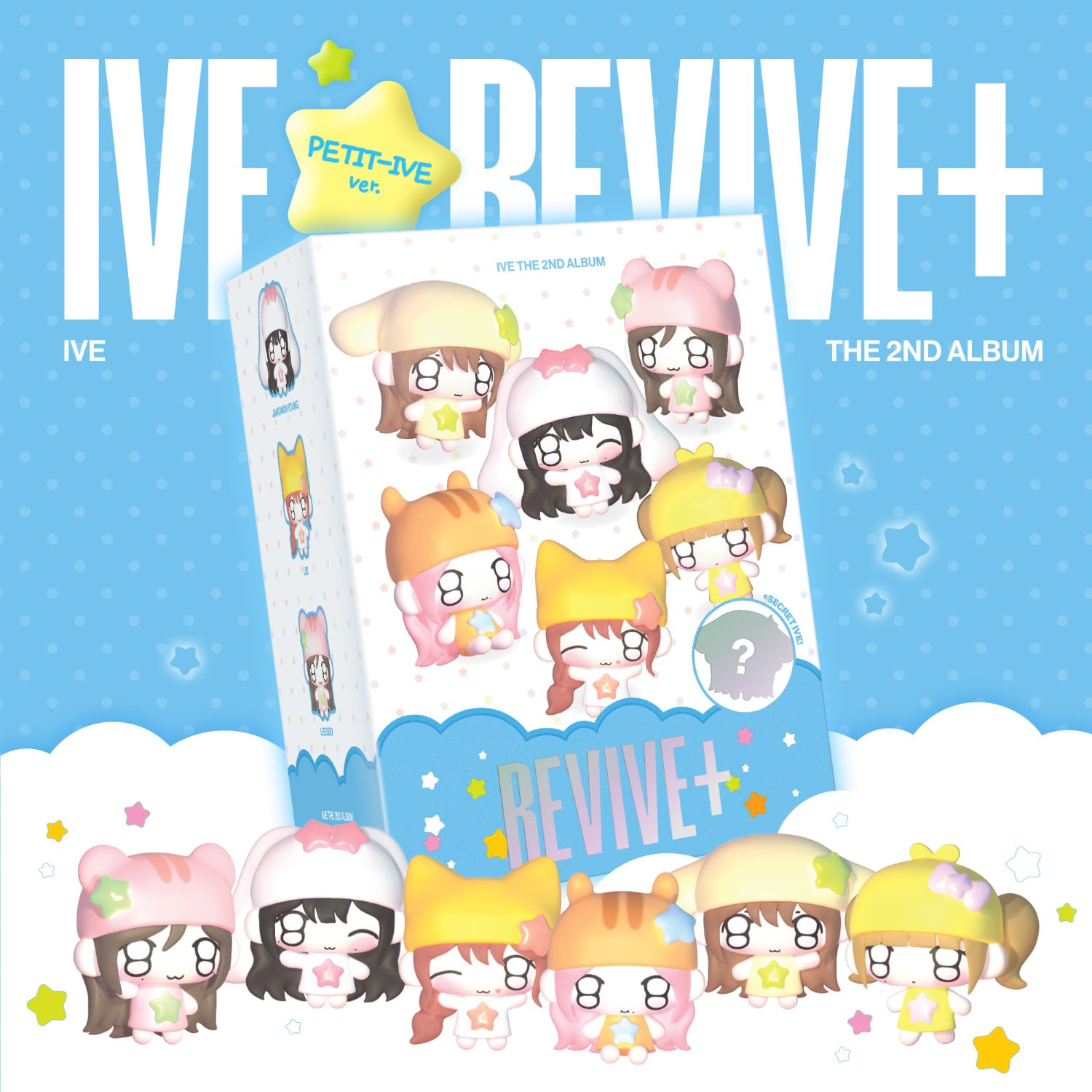 IVE
THE 2ND ALBUM [REVIVE+] (PETIT-IVE ver.) (Limited)
IVE
THE 2ND ALBUM [REVIVE+] (PETIT-IVE ver.) (Limited)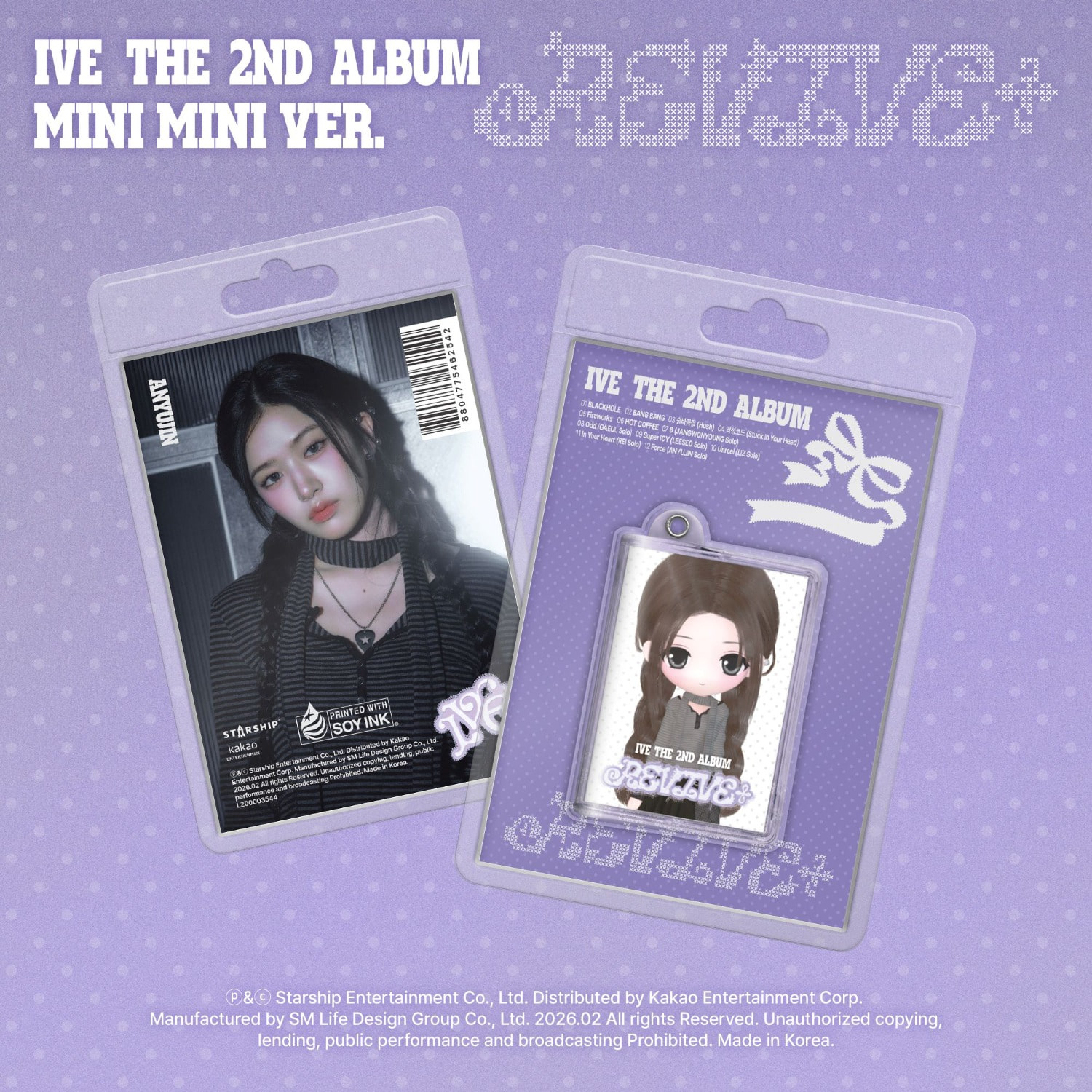 IVE
THE 2ND ALBUM [REVIVE+] (MINI MINI ver.) (Limited)
IVE
THE 2ND ALBUM [REVIVE+] (MINI MINI ver.) (Limited) KiiiKiii
The 2nd EP [Delulu Pack] (Bubble. Version) (Limited)
KiiiKiii
The 2nd EP [Delulu Pack] (Bubble. Version) (Limited)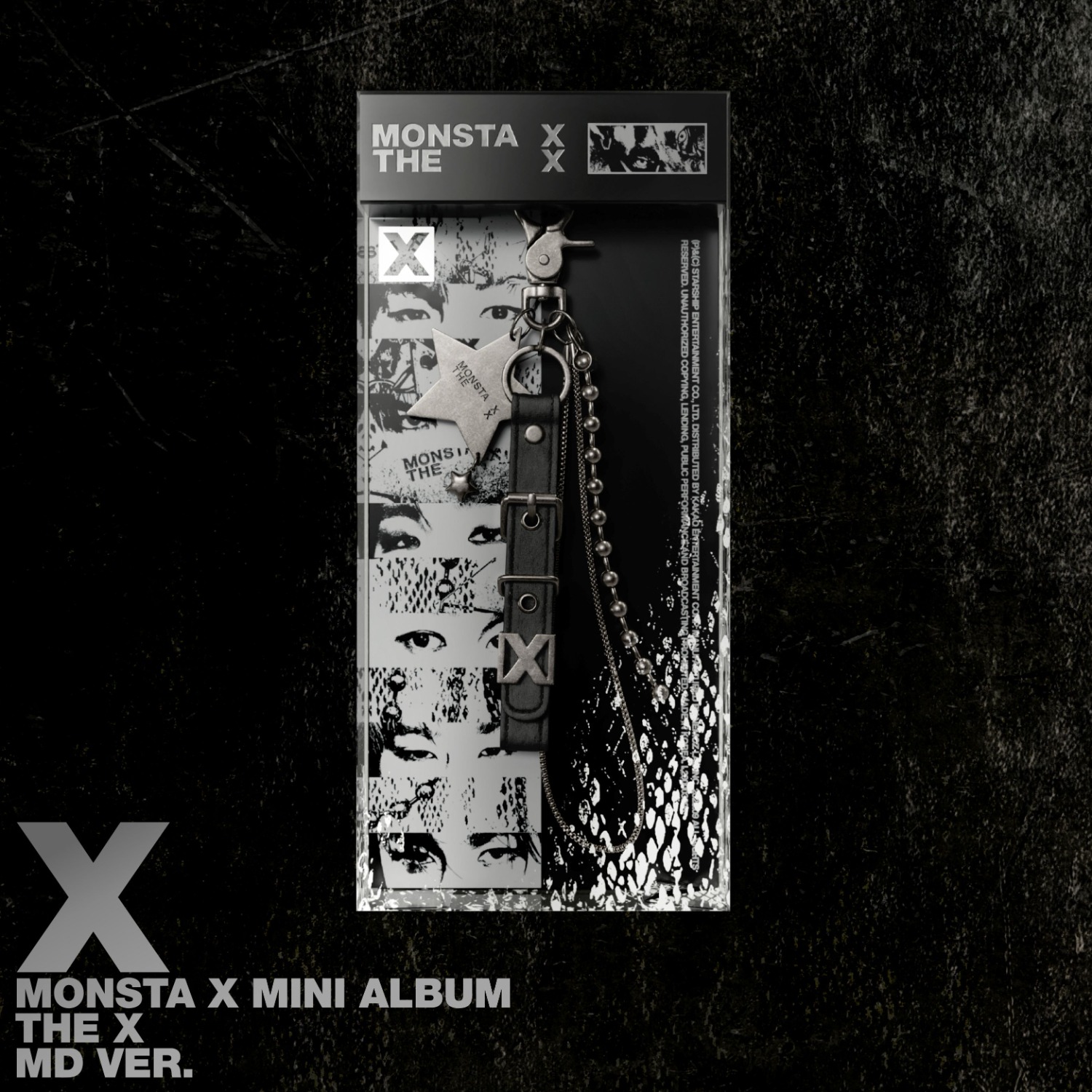 MONSTA
X 13th Mini Album <THE X> (MD ver.) (Limited)
MONSTA
X 13th Mini Album <THE X> (MD ver.) (Limited)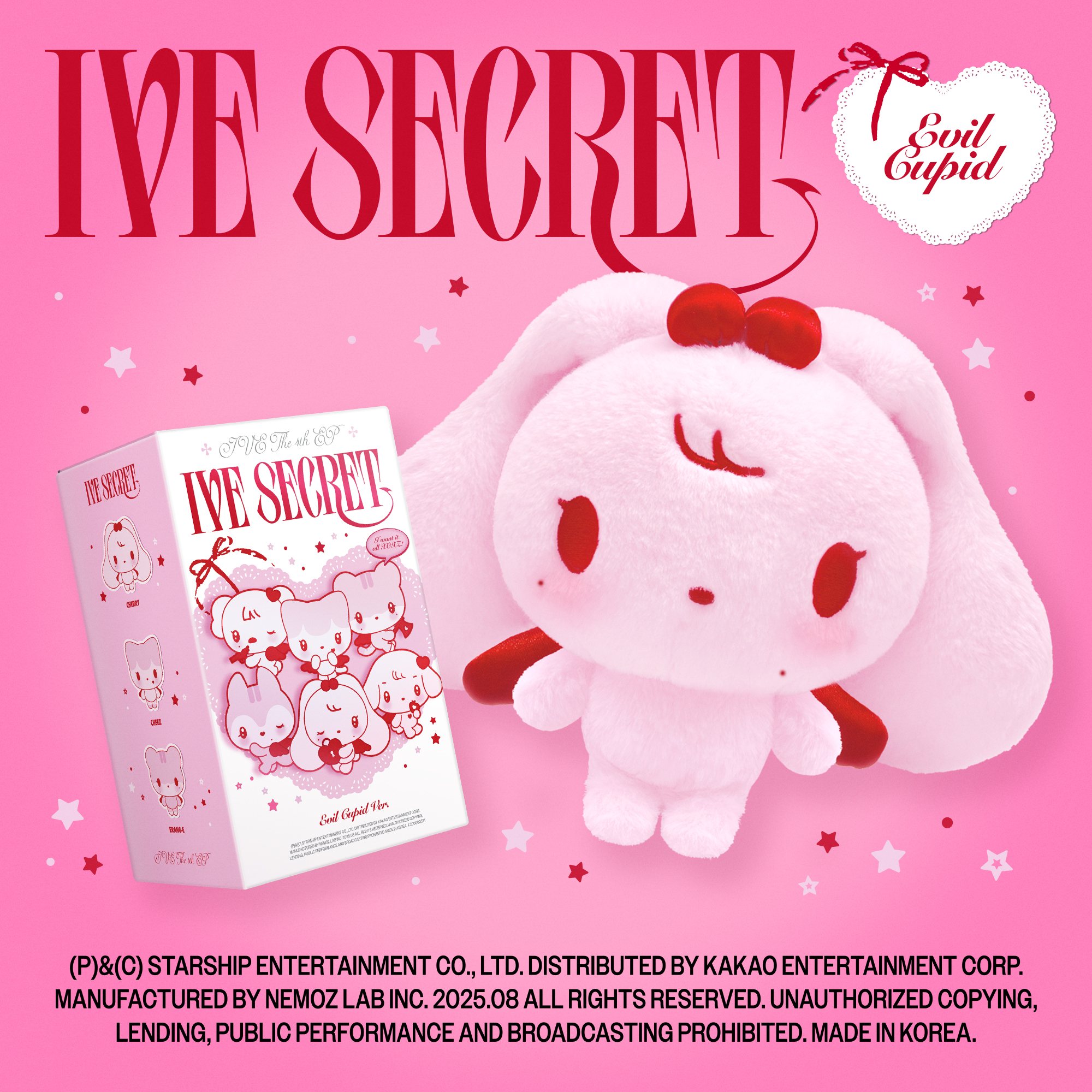 IVE
THE 4th EP <IVE SECRET> (EVIL CUPID ver.) (Platform
ver.) (Limited)
IVE
THE 4th EP <IVE SECRET> (EVIL CUPID ver.) (Platform
ver.) (Limited) IVE
THE 4th EP <IVE SECRET> (MD ver.)
IVE
THE 4th EP <IVE SECRET> (MD ver.)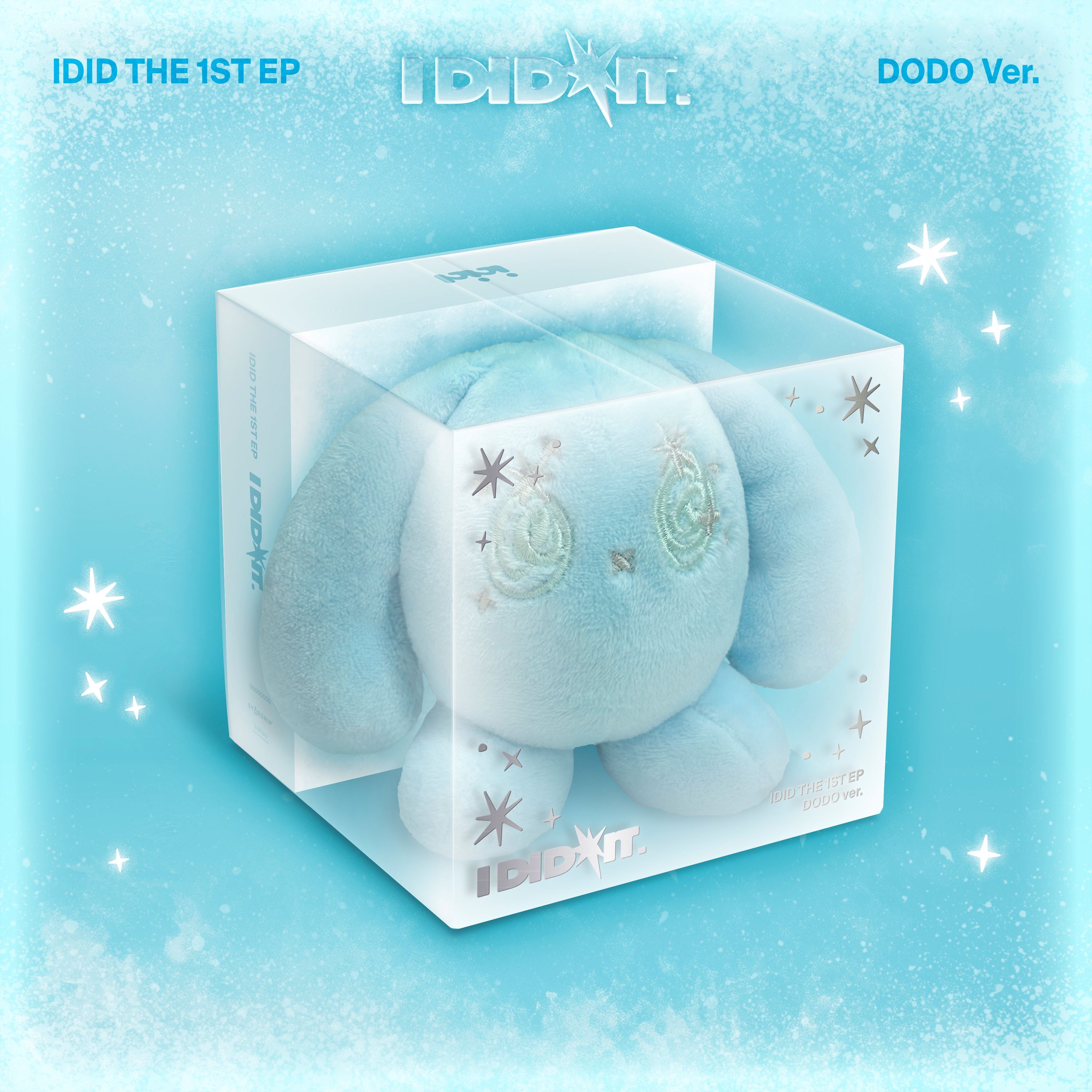 IDID
1st EP [I did it] (DODO Ver.) (NEMO) (Limited)
IDID
1st EP [I did it] (DODO Ver.) (NEMO) (Limited)